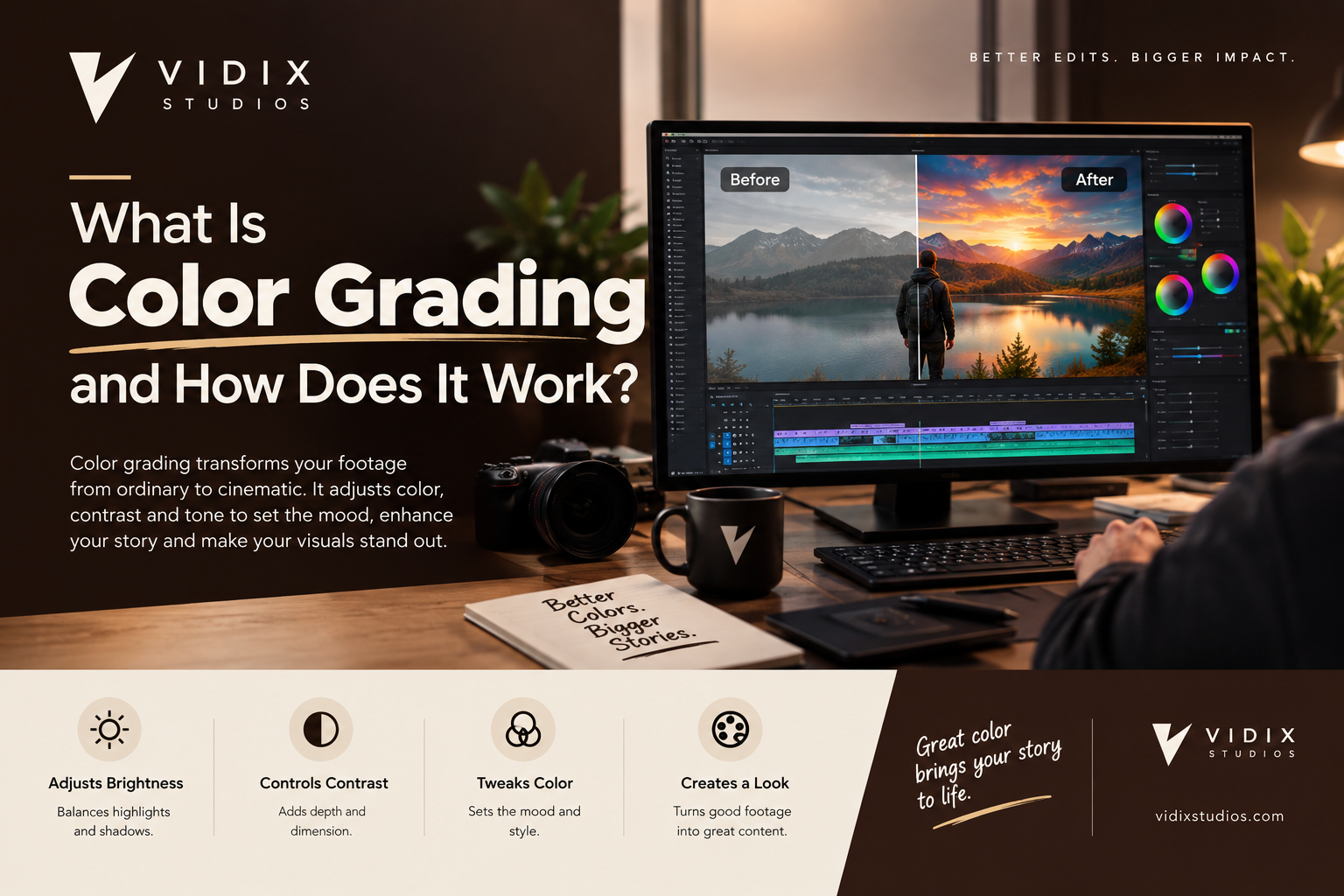
Color grading is the process of adjusting and stylizing the colors, contrast, and tone of video footage to create a specific mood, look, or visual consistency. It is the step that makes raw, flat footage look polished and cinematic, and it is a core part of professional video editing.
If you have ever wondered why a Hollywood film looks so different from a phone video, color grading is a big part of the answer. In this guide, the team at vidix studios explains what color grading is, how it works, which tools professionals use, and how to apply it to your own projects.
What Is Color Grading?
Color grading is the creative adjustment of color and light in a video after it has been shot. Editors change elements like brightness, contrast, saturation, shadows, highlights, and color balance to shape how the audience feels when they watch.
For example, a warm orange and teal look can make a scene feel energetic and cinematic. A cool, desaturated palette can feel tense or serious. Bright, clean colors suit commercials, fitness content, and real estate tours.
In short, color grading in video editing turns accurate footage into intentional footage.
Color Correction vs. Color Grading: What’s the Difference?
People often use these terms interchangeably, but they are two different steps.
Color correction fixes problems. It makes the footage look natural and technically accurate by adjusting exposure, white balance, and skin tones so that white looks white and clips match each other.
Color grading adds style. Once the footage is balanced, the colorist applies a creative look to set the mood.
Think of it this way: correction is cleaning the canvas, and grading is painting on it. Professionals always correct first and grade second. Skipping correction leads to muddy, inconsistent results.
Why Is Color Grading Important?
Color grading does much more than make video look pretty. Here is why it matters:
- It sets the mood. Color triggers emotion. Warm tones feel inviting, while cool tones feel calm or dramatic.
- It creates consistency. Footage shot at different times, on different cameras, or in different lighting can be matched so the final video feels unified.
- It builds brand identity. Brands that use a consistent color style in their videos become instantly recognizable.
- It guides attention. Contrast and color can direct the viewer’s eye to the subject.
- It increases perceived quality. Well-graded videos look more expensive and trustworthy, which improves viewer retention and conversions.
For businesses, this last point is critical. A polished look signals professionalism, whether you are running ads, social reels, or product videos.
How Does Color Grading Work?
Color grading works by manipulating three main tonal ranges of an image, along with color values:
- Shadows: the darkest parts of the frame.
- Midtones: the middle range, where most skin tones and subject detail live.
- Highlights: the brightest areas.
Editors adjust each range separately using tools such as color wheels, curves, and sliders. They also control hue (the color itself), saturation (color intensity), and luminance (brightness). Small changes in each area combine to create a complete look.
Footage shot in a flat or log profile (such as S-Log, C-Log, or V-Log) gives the editor more room to work, because it preserves more dynamic range. That is why professional cameras often record flat footage that looks dull until it is graded.
The Color Grading Workflow, Step by Step
Every colorist has a personal process, but a reliable color grading workflow usually looks like this:
1. Organize and import footage. Group clips by scene or lighting setup so you can grade them efficiently.
2. Set exposure and contrast. Fix overly dark or bright shots first. Use scopes like the waveform and histogram, not just your eyes.
3. Correct white balance. Remove unwanted color casts so neutral tones look neutral.
4. Match skin tones. Skin should look natural and consistent across shots. The vectorscope’s skin-tone line helps here.
5. Match shots across the sequence. Make clips from the same scene look like they were filmed together.
6. Apply the creative look. This is the grading stage: adjust color wheels and curves, or apply a LUT as a starting point.
7. Add finishing touches. Use vignettes, subtle grain, or secondary corrections to isolate and enhance specific elements such as the sky or a product.
8. Review and export. Check the video on different screens before final export.
What Are LUTs in Color Grading?
A LUT (Look-Up Table) is a preset that remaps the colors of your footage to a specific look. Some LUTs convert log footage to a normal color space, while others apply a creative style such as a film emulation or cinematic color grading.
LUTs are a great shortcut, but they are only a starting point. Every clip has different lighting, so a LUT usually needs manual tweaking to look right.
Popular Color Grading Software
The right color grading software depends on your budget and skill level. These are the most widely used tools:
- DaVinci Resolve: the industry standard for color work, with a powerful free version.
- Adobe Premiere Pro (Lumetri Color): convenient for editors already in the Adobe ecosystem.
- Final Cut Pro: popular among Mac users for its built-in color tools.
- Adobe After Effects: useful for advanced, effects-heavy grading.
- Mobile apps: tools like LumaFusion and CapCut offer basic grading for quick social content.
If you are exploring how new tools are changing the editing process, check out our breakdown of the best AI video editing tools.
Frequently Asked Questions About Color Grading
What is color grading in simple words?
Color grading is changing the colors and lighting of a video to give it a certain look or feeling. It makes footage look more cinematic, consistent, and professional.
What is the difference between color correction and color grading?
Color correction fixes technical problems like exposure and white balance. Color grading is the creative step that adds mood and style. Correction always comes first.
Is color grading hard to learn?
The basics are easy to pick up with free tutorials and software like DaVinci Resolve. Mastering it takes practice, a trained eye, and an understanding of color theory and scopes.
How much does color grading cost?
Prices vary widely. Freelancers may charge per project or per hour, while professional studios price based on video length and complexity. Outsourcing is often cheaper than hiring in-house, and you can learn more in our guide on why outsource video editing services and what it costs.
Can you color grade on your phone?
Yes. Apps like CapCut, LumaFusion, and VN offer basic grading tools. They work well for social media, but desktop software gives far more precision.
Do I need special footage for color grading?
No, but flat or log footage gives you more flexibility. Standard footage can still be graded, though you will have less room before the image starts to degrade.
Is color grading the same as using a filter?
Not quite. A filter applies one fixed effect to everything. Color grading is a controlled, shot-by-shot process that adapts to each clip.
When to Hire a Professional for Color Grading
DIY grading works for simple projects, but professional help makes sense when:
- You are producing ads, brand films, or client-facing content.
- You publish videos regularly and need a consistent look.
- You lack the time, software, or trained eye to do it well.
- Your footage was shot in multiple lighting conditions.
If that sounds like you, working with a reliable video editing agency in USA saves time and gives you consistent, high-quality results. Not sure what to look for? Read our guide on how to choose the best video editing agency in USA.
You can explore our services, learn more about us, or browse more tips on our blog. If you run an agency and need a reliable white-label partner, see our agency owners page.
Final Thoughts
Color grading is what separates average video from professional, emotionally engaging content. It starts with solid correction, builds into a creative look, and ends with a consistent, polished final product. Whether you learn it yourself or hand it to experts, investing in good color grading pays off in viewer trust, retention, and brand recognition.
Ready to give your videos a cinematic finish? Contact us today, and let the team at vidix studio bring your footage to life.